
UX Designer Roles: Driving SaaS Product Growth
Every SaaS leader faces the challenge of creating products that users actually want to use. Understanding what motivates real behavior is where a UX designer delivers value far beyond visual polish. As companies grow, focusing on user research, prototyping, and collaboration drives adoption, retention, and revenue. This guide explains how investing in senior UX expertise leads to measurable business outcomes and reveals the roles and skills that turn user insights into product success.
Table of Contents
- What Does a UX Designer Do?
- Types of UX Designer Roles in SaaS
- Core Skills and Processes Explained
- Why UX Design Drives Product Success
- Common Pitfalls and How to Avoid Them
Key Takeaways
| Point | Details |
|---|---|
| UX Design is Essential for Growth | Effective UX design increases adoption, retention, and revenue by addressing user needs and pain points. |
| Research Drives Decisions | Spending significant time on user research informs design choices that enhance the overall user experience. |
| Iterative Testing is Crucial | Continuous testing of wireframes and prototypes ensures the final product meets user expectations and requirements. |
| Commercial Metrics Matter | Linking UX improvements to business outcomes, such as activation rates and support costs, helps justify design decisions and prioritization. |
What Does a UX Designer Do?
A UX designer shapes how users interact with your product by solving design problems that affect adoption, retention, and revenue. Unlike UI designers who focus on visual aesthetics, UX designers work backward from user behavior to create experiences that feel natural and intuitive.
Think of it this way: UI is the buttons. UX is why users click them.
Core Responsibilities
UX designers at SaaS companies juggle multiple interconnected responsibilities that directly impact product growth:
- Conducting user research to uncover how customers actually use your product, where they get stuck, and what frustrates them
- Identifying user pain points through interviews, surveys, and behavioral data analysis
- Creating wireframes and prototypes to test solutions before engineering builds them
- Running usability tests to validate assumptions and catch problems early
- Collaborating with product and engineering teams to ensure design recommendations translate into real features
- Measuring outcomes through metrics like onboarding completion rates, feature adoption, and activation speed
UX designers don’t make decisions based on opinions—they make decisions based on what users actually do.
Research: The Foundation of Everything
The best UX designers spend at least 40% of their time understanding users. This isn’t optional work that happens between design sprints. It’s the engine that drives every decision.
There are two types of research UX designers conduct:
Foundational research reveals what users need. You interview customers before they onboard, analyze support tickets for common questions, and study where prospects drop off during signup.

Evaluative research tests whether your solutions work. You run usability tests on new features, analyze session recordings to see where users hesitate, and measure whether a redesigned onboarding flow actually improves activation rates.
Research that informs user experience decisions includes interviews, surveys, and usability testing—methods that translate directly into actionable product improvements.
Design Through Testing
Wireframes and prototypes aren’t deliverables. They’re hypotheses waiting to be tested.
A strong UX designer creates low-fidelity sketches first, tests them with users to validate the core concept, then iterates on high-fidelity designs only after the direction is proven. This prevents building the wrong solution beautifully.
Testing happens continuously:
- Sketch the idea
- Test with 3-5 users
- Refine based on feedback
- Build the real feature
- Measure actual usage
- Iterate based on real behavior
This cycle is where design moves from art into science.
Translating Findings Into Action
Discovering user pain points means nothing if your team doesn’t act on them. UX designers spend significant time communicating research findings to stakeholders in ways that stick.
This means presenting data alongside stories. A metric like “47% of users abandon onboarding at step three” is forgettable. But a video showing a real customer confused about what button to click next? That changes behavior.
Designers who influence product roadmaps are the ones who connect research insights to business outcomes—showing how better onboarding increases activation by 23%, how clearer navigation reduces support tickets by 18%, or how improved error messages decrease churn.
Pro tip: When presenting design recommendations, always lead with the user insight, then connect it to a specific business metric your CTO or product lead cares about—activation rate, revenue per user, or support cost reduction.
Types of UX Designer Roles in SaaS
The UX design field isn’t monolithic. As your SaaS product grows, you need different specialists focused on different problems. Understanding these roles helps you build the right team and allocate resources where they actually impact growth.
Small startups often hire one generalist who does everything. Mature SaaS companies split design work across specialized roles, each bringing specific expertise to the table.
The Core UX Design Roles
Different roles within UX design specializations contribute distinct value to your product:
- UX Designer focuses on user flows, information architecture, and interaction design—how users move through your product and solve problems
- UI Designer owns visual design, component libraries, and the aesthetic experience—buttons, colors, typography, spacing
- Product Designer bridges research and implementation, owning specific features or product areas end-to-end
- UX Researcher investigates user behavior systematically, conducting studies that inform strategy
- UX Writer crafts microcopy, error messages, and help text that guide users through interfaces
- Service Designer maps entire user journeys across touchpoints—onboarding, support, billing, success communications
In smaller teams, one person wears multiple hats. In larger companies, these roles specialize deeply and rarely overlap.
Which Roles Drive Growth in SaaS?
Not all UX roles have equal impact on revenue. For established SaaS companies, certain roles directly move activation, adoption, and retention metrics.
Product designers are your growth accelerators. They own features customers actually use and improve adoption velocity. They live in data—measuring whether changes increase feature engagement or reduce support volume.
UX researchers reduce risk and waste. They catch problems before engineering wastes a sprint building something users won’t want. They also identify market expansion opportunities by understanding adjacent use cases.
Service designers improve retention. They map the entire customer journey, revealing friction points in onboarding, support interactions, and renewal experiences. This prevents churn before it starts.
UX writers seem less critical until you realize 40% of support tickets result from unclear UI text. Small copy improvements reduce support load significantly.
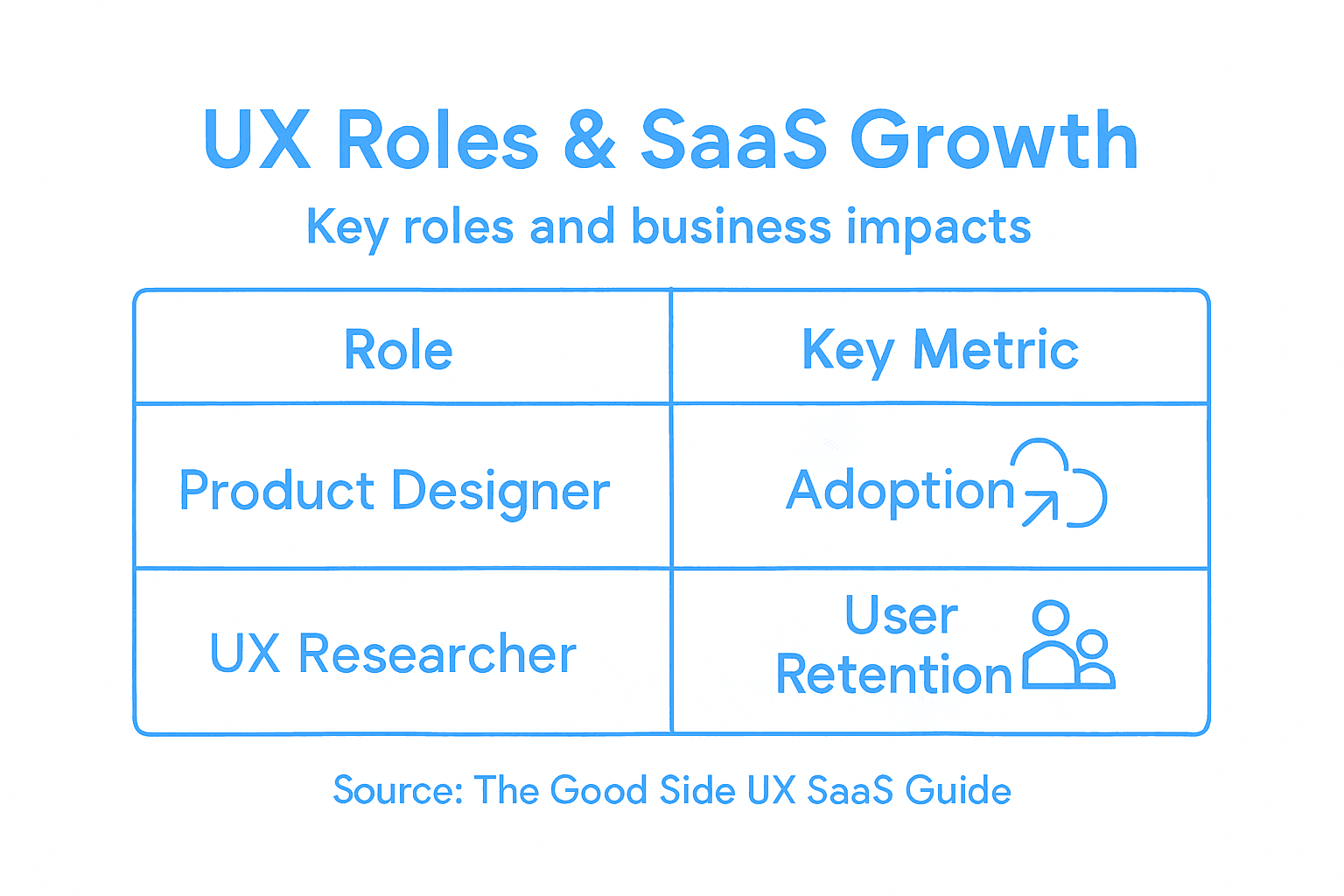
Here’s a comparison of common UX designer roles and how they impact SaaS product success:
| UX Role | Main Focus Area | Direct Business Impact | Typical Metric Moved |
|---|---|---|---|
| Product Designer | Feature ownership, iteration | Drives adoption and engagement | Feature usage rate |
| UX Researcher | Understanding user behavior | Reduces wasted development | Decreased failed launches |
| Service Designer | End-to-end journey mapping | Improves retention and loyalty | Lower churn rate |
| UX Writer | Interface copy and guidance | Cuts support costs, boosts clarity | Fewer support tickets |
Generalist vs. Specialist: The Scaling Question
Your current stage determines the right approach:
- Early stage (product-market fit not confirmed) – Hire generalist product designers who can research, design, and measure
- Growth stage (validated product, expanding features) – Add specialists: a researcher, a writer, deeper product designers
- Mature stage (multiple products or expansions) – Full specialization becomes cost-effective
Most established SaaS companies need at least a product designer and researcher. That combination produces faster iteration because one person discovers problems and another solves them independently.
Pro tip: When hiring UX talent, prioritize product designers and researchers first—they directly impact growth metrics. UI and content specialists can follow once your core experience is validated.
Core Skills and Processes Explained
Great UX designers aren’t just artists. They’re researchers, problem-solvers, and communicators who blend technical craft with human insight. Understanding the skills and processes they use reveals why they drive product growth.
The best designers operate systematically. They follow a repeatable process, back decisions with data, and iterate based on real user feedback—not intuition.
Essential Technical Skills
UX designers need hands-on capabilities that let them move ideas from concept to validation quickly:
- Wireframing and prototyping to sketch interactions and test flows before engineering builds
- User flow creation to map how users move through tasks and identify friction points
- Information architecture to organize features logically so users find what they need
- Visual design to create interfaces that guide attention and communicate hierarchy
- User research methods including interviews, surveys, usability tests, and analytics
- Agile collaboration to work in sprints, iterate quickly, and respond to feedback
These aren’t optional skills. They’re the tools that separate designers who influence product decisions from those who just make things look pretty.
Technical skills without soft skills create beautiful dead ends. Soft skills without technical skills create vague recommendations that never ship.
The Five-Step UX Process
Designers who move growth metrics follow a consistent UX design methodology that reduces guesswork and accelerates validation:
Empathize. Talk to users. Understand their actual jobs, frustrations, and goals—not what you assume they need.
Define. Frame the problem clearly. A well-defined problem statement keeps the entire team focused on solving the right thing.
Ideate. Generate multiple solutions. Bad ideas are cheap. The goal is quantity first, quality through iteration.
Prototype. Build testable models quickly. Low-fidelity prototypes answer questions faster than polished designs.
Test. Show prototypes to real users. Watch them struggle, celebrate, or abandon your solution. This feedback guides refinement.
Soft Skills That Actually Matter
Technical ability gets designers hired. Soft skills get them influence.
Communication is non-negotiable. Designers who can explain research findings and design decisions to CTOs and product managers shape strategy. Designers who can’t communicate beautifully stay siloed.
Collaboration prevents wasted effort. Designers who work closely with researchers, engineers, and content teams build better solutions faster than designers working alone.
Prioritization separates impact from busywork. Every design change shouldn’t go to production. Strong designers know which improvements move metrics and which are polishing.
Time management keeps projects moving. Design iteration can continue forever. Good designers ship, measure, learn, and iterate—not endlessly refine.
Why Process Matters More Than Tools
Designers obsess over tools. Stakeholders obsess over outcomes. Process connects the two.
A designer with the right process, cheap tools, and limited budget often outperforms a designer with expensive tools and no process. The process forces validation at every step. That keeps you from building the wrong thing beautifully.
Pro tip: When evaluating UX designers, ask them to walk you through a past project using the five-step process—not their portfolio. Their ability to articulate research, problem framing, and validation reveals whether they’ll drive growth or just deliver designs.
Why UX Design Drives Product Success
UX design isn’t decoration. It’s the difference between a product people adopt and one they abandon. For SaaS companies, better UX directly translates to higher activation rates, faster feature adoption, and lower churn.
When users find your product intuitive and efficient, they use it more. When they get stuck, confused, or frustrated, they leave. That’s not philosophy—that’s revenue.
The Business Impact of Good UX
Good UX creates measurable outcomes that CTOs and product managers track obsessively:
- Higher activation rates – Users complete onboarding faster and reach core value quicker
- Increased feature adoption – Customers discover and use more of what you built
- Improved retention – Intuitive experiences reduce friction that causes churn
- Lower support costs – Clear interfaces and helpful copy reduce help desk volume
- Better conversion – Users complete desired actions smoothly without abandoning workflows
- Competitive differentiation – Unique, effective UX helps you win against alternatives
These aren’t soft benefits. They’re the metrics your finance team cares about.
Good UX matches customer requirements to product design, preventing inadequate products and fostering sustained use and satisfaction.
How UX Impacts the Customer Journey
Consider what happens when onboarding is poorly designed. A user signs up, lands in a blank dashboard, has no idea what to do next, and leaves. That’s one lost customer.
Now imagine the same user with thoughtful onboarding: guided tour, clear next steps, quick win within 2 minutes. That user becomes an active customer.
This pattern repeats across every product stage. Poor UX at signup loses customers before they start. Poor UX in feature discovery keeps customers from using what solves their problems. Poor UX in billing workflows increases involuntary churn.
Good UX removes friction at every transition point.
The Revenue Connection
Improve onboarding UX by 15%? Activation increases. Activation increases by 10%? You add revenue from users who otherwise would have churned before month two.
Increase feature discoverability? Customers use more features. More features used means higher perceived value, which reduces cancellations.
Streamline workflows for power users? They get more done faster, which increases lifetime value.
UX design enhances customer satisfaction and drives business success through improved retention, increased conversions, and competitive differentiation.
Why Companies That Ignore UX Lose
You can ship fast without UX strategy. You’ll move quickly—straight into a wall. You’ll build features customers don’t understand or want. You’ll watch support costs explode explaining what you built. You’ll lose to competitors with simpler, clearer products.
The companies winning in SaaS aren’t moving faster. They’re moving smarter. They validate with users before building. They iterate based on real behavior. They measure whether changes move business metrics.
That’s design-driven product development. It works because it’s rooted in how users actually behave, not how you think they should.
Pro tip: When evaluating design impact, don’t ask designers for portfolio pieces. Ask for before-and-after metrics: onboarding completion rates, feature adoption curves, or support ticket volume. Those numbers tell you whether design actually moved the business.
Common Pitfalls and How to Avoid Them
Most SaaS companies know they need good design. But knowing and executing are different. Teams fall into predictable traps that sabotage growth before design even gets a chance to work.
Understanding these pitfalls—and how to sidestep them—separates companies that grow from those that stall.
The Feature Overload Trap
Your first instinct is often your worst one. You build more features thinking more equals better. Users get overwhelmed and confused. They use less, not more.
Companies commonly assume more features deliver more value, but instead, feature bloat reduces adoption and increases user frustration. The strongest products do one thing brilliantly.
Zoom onboarding is fast because it focuses on one core action: join a meeting. Figma’s early success came from prioritizing the canvas, not burying essential tools. Slack mastered messaging before adding integrations.
The fix: Before adding features, ask whether they move core metrics. Can most users complete their primary job without it? If no, build it. If yes, prioritize ruthlessly.
Designing Without User Input
You think you understand users. You don’t. Not really.
Designing based on your vision instead of research creates products nobody wants. Burying core functionality because you thought it looked cleaner. Launching workflows that seem obvious to you but confuse actual users.
This costs months and money fixing mistakes that 30 minutes of user testing would have caught.
The fix: Conduct usability testing before shipping. Show prototypes to 5 users. Watch where they hesitate. That’s where your design fails.
Ignoring Localization and Accessibility
Building only for English speakers and people without disabilities shrinks your addressable market. It also signals carelessness.
Missing cultural nuance in product language confuses international users. Inaccessible interfaces exclude users with disabilities—and cost you revenue. Button labels that work in English fail in German. Color choices that mean “trust” in Western markets mean “danger” elsewhere.
These aren’t nice-to-have improvements. They’re revenue leakage.
The fix: Test product language with international users. Audit interfaces for accessibility compliance early, not after launch. Design for the world you actually want to reach.
Not Measuring What Matters
You ship a design change. You feel great about it. You have no idea whether it actually moved anything.
Without measurement, you’re making expensive guesses. You need baseline metrics: onboarding completion rate, feature adoption, support ticket volume, time-to-value. After changes, measure again.
If activation improved from 32% to 38%, that’s real. If nothing changed, iterate and test again.
The fix: Define success metrics before shipping. Measure after. Iterate based on actual behavior, not intuition.
The table below summarizes frequent SaaS UX pitfalls and how to proactively prevent them:
| Common Pitfall | Typical Effect on Growth | Best Prevention Practice |
|---|---|---|
| Feature overload | Decreases user adoption | Prioritize must-have features |
| No user input in design | Builds unwanted products | Run early usability testing |
| Poor localization/accessibility | Shrinks market, hurts reputation | Test language and inclusivity |
| Not measuring outcomes | Wasted resources, no learning | Set and review clear metrics |
Common Pitfalls to Avoid at Every Stage
Build without research and testing. Design based on assumptions, not data. Launch features without knowing adoption. Assume users understand workflows without testing. Ship without measuring impact. Add features instead of improving core experience.
Strong SaaS teams validate everything. They measure obsessively. They iterate relentlessly. That’s not perfectionism—that’s the minimum viable rigor for sustainable growth.
Pro tip: When your team proposes a design change, require three things before shipping: research showing users want it, testing proving it works, and metrics defining success. This discipline prevents most mistakes before they cost real money.
Unlock SaaS Growth with Strategic UX Design Leadership
The article highlights critical challenges in SaaS product growth such as feature overload, lack of specialized UX roles, and poor measurement of design impact. These issues often cause SaaS teams to struggle with improving activation, adoption, and retention despite having design resources. Key pain points include the need for experienced UX researchers and product designers who can embed in teams, lead user-centered processes, and deliver measurable business outcomes beyond surface-level UI improvements.
At The Good Side Oy, we understand these challenges firsthand. Our fractional design partners bring senior-level expertise that seamlessly integrates with your product and engineering teams. We focus on driving clear business impact by aligning product design with onboarding and go-to-market efforts to accelerate feature adoption and reduce churn. Unlike traditional agencies or freelancers, our designers take strategic ownership and embed themselves in your workflow to move your SaaS product forward rapidly and efficiently.
Ready to transform your SaaS growth story through expert UX design?
Explore how strategic UX design roles accelerate product success today.
Partner with The Good Side for embedded, outcome-driven UX leadership that helps your team ship better features backed by user insights. Visit The Good Side now and start driving sustainable activation, retention, and revenue growth through design that truly moves the needle.
Frequently Asked Questions
What are the main responsibilities of a UX designer in SaaS?
A UX designer in SaaS primarily conducts user research, identifies pain points, creates wireframes and prototypes, runs usability tests, collaborates with teams, and measures outcomes to enhance product experiences.
How does a UX designer differ from a UI designer?
A UX designer focuses on the overall user experience and functionality, while a UI designer concentrates on the visual elements and aesthetics of the product, such as buttons and color schemes.
Why is user research important in UX design?
User research is essential because it provides insights into how customers use the product, identifies areas of frustration, and informs design decisions that enhance user satisfaction and engagement.
What skills are essential for a successful UX designer?
Essential skills for a UX designer include wireframing and prototyping, user flow creation, information architecture, visual design, user research methods, and agile collaboration to ensure effective design implementation.
Recommended
- Role of Product Designers: Complete Guide for SaaS | The Good Side Blog
- 7 Key Types of Product Designers Every SaaS Team Needs | The Good Side Blog
- Role of Service Designers: Complete SaaS Guide
- Role of Senior Designers in SaaS Growth | The Good Side Blog
- Design Thinking in Web Design - Web Design Dubai - Website Design Company Dubai | NetSoft