
7 Must-Haves for an Effective SaaS Website Design Checklist
Over 60 percent of American SaaS users abandon a website after a poor first impression. Clear navigation, targeted messaging, and mobile-friendly experiences are not optional anymore—they are what users expect the moment they land. In an increasingly competitive SaaS market, building trust and driving conversions starts with a user-centric website that guides every American visitor smoothly from the first click to the final signup while truly addressing their unique needs.
Table of Contents
- 1. Define Clear User Journeys For Every Persona
- 2. Optimize Above-the-Fold Content For Clarity
- 3. Showcase Social Proof And Customer Validation
- 4. Streamline Navigation For Easy Access
- 5. Ensure Mobile Responsiveness And Fast Loading
- 6. Highlight Pricing And Key Value Propositions
- 7. Implement Strong Calls-to-Action Throughout
Quick Summary
| Takeaway | Explanation |
|---|---|
| 1. Define User Journeys Clearly | Understand user interactions by mapping out detailed journeys for each persona to improve user experience. |
| 2. Optimize Above-the-Fold Content | Ensure the initial screen area communicates value and encourages user engagement immediately. |
| 3. Showcase Effective Social Proof | Use testimonials and case studies to build trust and validate your product’s effectiveness to potential customers. |
| 4. Streamline Navigation for Users | Design intuitive navigation that allows users to access information easily, minimizing frustration and abandonment. |
| 5. Highlight Pricing and Value | Clearly communicate pricing and relate it to the transformative benefits customers can expect from your solution. |
1. Define Clear User Journeys for Every Persona
Creating a successful SaaS website begins with understanding exactly how different users will interact with your product. A user journey outlines the steps a user takes to accomplish specific tasks within your system, revealing critical insights about user experience and potential design improvements.
Think of user journeys as detailed roadmaps that track how each unique user type navigates through your website or application. By developing precise personas representing typical user behaviors, you can map out personalized pathways that address specific goals and pain points.
Why User Journey Mapping Matters
Understanding user journeys allows you to anticipate user needs, streamline interactions, and create a more intuitive experience. Each persona represents a distinct user segment with unique motivations, which means your design must accommodate multiple perspectives simultaneously.
Key Steps for Effective User Journey Definition
- Research User Types: Conduct interviews and surveys to identify primary user segments
- Create Detailed Personas: Build comprehensive profiles representing each user type
- Map Interaction Points: Document every touchpoint users encounter
- Identify Pain Points: Analyze potential friction areas in the user experience
- Design Tailored Pathways: Develop specific navigation routes for each persona
By investing time in defining clear user journeys, you transform your SaaS website from a generic platform into a targeted, user centric solution that speaks directly to your audience’s unique needs.
2. Optimize Above-the-Fold Content for Clarity
The first visual impression of your SaaS website can make or break user engagement. Above the fold content represents the crucial screen area visible without scrolling, making it your digital first impression and primary conversion catalyst.
In the competitive SaaS landscape, your above-the-fold section serves as a critical communication hub. Research indicates that over 90% of SaaS websites strategically place their primary call-to-action in this critical space, underscoring its significance in guiding user behavior and driving conversions.
Essential Components of Effective Above-the-Fold Design
Crafting a compelling above-the-fold experience requires strategic thinking and precise execution. Your primary goal is to communicate value, provoke interest, and motivate user action within seconds.
Key Strategy Elements
- Clear Value Proposition: Articulate your unique solution immediately
- Concise Headline: Communicate core benefit in 8 to 10 words
- Compelling Subheadline: Provide brief context and additional motivation
- Strategic Call-to-Action: Design a prominent, action-oriented button
- Minimal Visual Clutter: Use whitespace and focused design elements
Remember that users decide within milliseconds whether to stay or leave. Your above-the-fold content should function like a digital elevator pitch professional, engaging, and impossible to ignore.
3. Showcase Social Proof and Customer Validation
Potential customers want reassurance that your SaaS solution delivers real value. Social proof transforms skeptical visitors into interested prospects by demonstrating your product’s credibility through authentic customer experiences.
Building trust is not about bragging. It is about presenting transparent, verifiable evidence that your solution solves genuine problems for real businesses. Potential customers seek validation from peers who have successfully navigated similar challenges.
Strategic Social Proof Elements
Effective social proof goes beyond simple testimonials. Your website should create a compelling narrative of customer success that resonates with potential clients and alleviates their purchasing hesitations.
Powerful Validation Techniques
- Customer Testimonials: Feature detailed quotes highlighting specific outcomes
- Case Studies: Showcase comprehensive success stories with measurable results
- Client Logos: Display recognizable brands who trust your solution
- Quantitative Metrics: Present concrete numbers demonstrating impact
- Third-Party Awards: Highlight industry recognition and external validation
- User Reviews: Integrate verified reviews from reputable platforms
Remember that authentic, specific social proof speaks louder than generic marketing language. Each validation element should tell a story of transformation and demonstrate the tangible value your SaaS solution provides.
4. Streamline Navigation for Easy Access
User experience design transforms complex websites into intuitive pathways that guide visitors exactly where they want to go. Effective navigation is not about complexity but about creating a seamless journey that feels natural and effortless.
Your website navigation acts as a digital roadmap. When users struggle to find information, they quickly become frustrated and are likely to abandon your site. The goal is to create a navigation system so smooth that users barely notice they are moving through different sections.
Navigation Design Principles
Successful website navigation requires strategic thinking about user behavior and information architecture. Your navigation should reflect how users actually think and search for information.
Key Navigation Optimization Strategies
- Simplify Menu Structure: Limit top level menu items to 5 to 7 options
- Use Clear Descriptive Labels: Write menu items that explain exactly what users will find
- Implement Logical Hierarchy: Organize content from broad categories to specific subcategories
- Add Search Functionality: Provide a prominent search bar for direct information access
- Create Consistent Navigation: Maintain the same menu layout across all pages
- Optimize for Mobile: Ensure responsive design with touch friendly navigation
- Use Visual Cues: Highlight current page and provide breadcrumb trails
Remember that great navigation feels invisible. When users can find what they need without thinking about how they found it, you have achieved navigation excellence.
5. Ensure Mobile Responsiveness and Fast Loading
In the mobile first world, your SaaS website must perform flawlessly across every device. Advanced web performance systems aim to reduce page display time and enhance user experience, making mobile responsiveness a critical competitive advantage.
Mobile users are impatient. They expect seamless experiences that load instantly and adapt perfectly to their screen size. A sluggish or poorly formatted mobile site can instantly drive potential customers away, costing you valuable conversions.
Mobile Performance Optimization Strategies
Creating a responsive mobile experience requires a holistic approach that balances design, functionality, and speed. Your goal is to create a frictionless experience that feels native to each device.
Key Implementation Tactics
- Responsive Design Framework: Use flexible grid layouts that adapt automatically
- Optimize Image Sizes: Compress and resize images for mobile devices
- Minimize HTTP Requests: Reduce scripts and external resource loading
- Implement Lazy Loading: Load content progressively as users scroll
- Use Content Delivery Networks: Distribute website assets across global servers
- Enable Browser Caching: Store static resources locally for faster repeat visits
- Prioritize Critical Content: Load essential information first
Your mobile strategy should treat smartphone users not as secondary visitors but as your primary audience. Every millisecond of load time and every pixel of design matters.
6. Highlight Pricing and Key Value Propositions
Effective SaaS websites transform pricing pages from mundane cost listings into powerful conversion engines. Your pricing strategy must communicate not just numbers, but the transformative value your product delivers.
In the competitive SaaS market, potential customers want to understand exactly what they are getting through strategic product positioning. Transparent, compelling pricing communication goes beyond listing features it tells a story of potential business transformation.
Crafting Persuasive Pricing Presentations
Successful pricing pages balance clarity, transparency, and emotional appeal. Your goal is to help potential customers visualize the return on their investment before they even click purchase.
Strategic Pricing Communication Techniques
- Highlight Tangible Business Outcomes: Translate features into concrete customer benefits
- Offer Transparent Pricing Tiers: Create clear upgrade paths
- Include Flexible Billing Options: Monthly and annual plans with clear savings
- Showcase Cost Savings Comparisons: Demonstrate value against alternative solutions
- Use Social Proof: Include customer testimonials near pricing sections
- Provide Detailed Feature Breakdowns: Help users understand exactly what they receive
- Implement Risk Reduction Strategies: Offer free trials or money back guarantees
Your pricing page is not just about costs. It is a strategic communication tool that bridges the gap between your product and your customer’s business goals.
7. Implement Strong Calls-to-Action Throughout
Every successful SaaS website operates on a single fundamental principle: guiding users toward meaningful action. Strategic placement of calls-to-action above the fold represents a critical design best practice that can dramatically improve conversion rates.
Calls-to-action are not mere buttons they are strategic signposts that lead potential customers through your sales funnel. A well crafted CTA transforms passive website visitors into active prospects, creating clear pathways for engagement.
Strategic CTA Design Principles
Effective calls-to-action communicate value, create urgency, and make taking the next step feel both simple and compelling. Your CTAs should speak directly to user motivations and potential business outcomes.
Powerful CTA Implementation Tactics
- Use Action Oriented Language: Start with strong verbs like “Start,” “Get,” “Discover”
- Create Visual Contrast: Design buttons that stand out from surrounding content
- Communicate Clear Value: Explain exactly what users will receive
- Minimize Friction: Reduce required steps to take action
- Personalize CTA Messaging: Align language with specific user personas
- Implement Progressive CTAs: Offer different actions based on user journey stage
- A/B Test CTA Variations: Continuously optimize button design and messaging
Remember that every pixel of your website should work toward converting interested visitors into committed customers. Your calls-to-action are the critical bridge between curiosity and commitment.
Below is a comprehensive table summarizing strategies and steps for creating effective SaaS websites discussed in the article.
| Topic | Description | Key Considerations |
|---|---|---|
| User Journeys | Define clear pathways for different personas. | Research, create personas, identify pain points. |
| Above-the-Fold Content | Optimize initial screen content for clarity and impact. | Clear value proposition, strategic call-to-action. |
| Social Proof | Showcase validation through customer experiences. | Use testimonials, case studies, client logos. |
| Streamlined Navigation | Ensure easy access and seamless experience. | Simplify structure, clear labels, mobile optimization. |
| Mobile Responsiveness | Optimize performance on all devices. | Responsive design, fast loading, critical content early. |
| Pricing and Value Propositions | Make pricing pages compelling and transparent. | Highlight outcomes, offer flexible billing, social proof. |
| Calls-to-Action | Guide users toward meaningful actions. | Action-oriented language, visual contrast, personalization. |
Transform Your SaaS Website Into a High-Performing Experience Today
The article highlights critical challenges SaaS companies face when designing effective websites that truly engage users. From unclear user journeys and confusing navigation to weak calls-to-action and slow mobile experiences, these pain points can silently drive prospects away and limit revenue growth. Your SaaS website deserves to confidently showcase your unique value through seamless journeys, clear messaging, and strategic positioning.
The Good Side Oy specializes in turning fragmented SaaS interfaces into cohesive products optimized for activation and conversion. Our senior designers bring expertise in UI/UX design, user research, and end-to-end journey optimization that accelerate go-to-market timelines and deliver measurable business outcomes. We address key areas discussed in the article such as defining clear user journeys, crafting compelling above-the-fold content, and implementing strategic calls-to-action that turn curiosity into commitment.
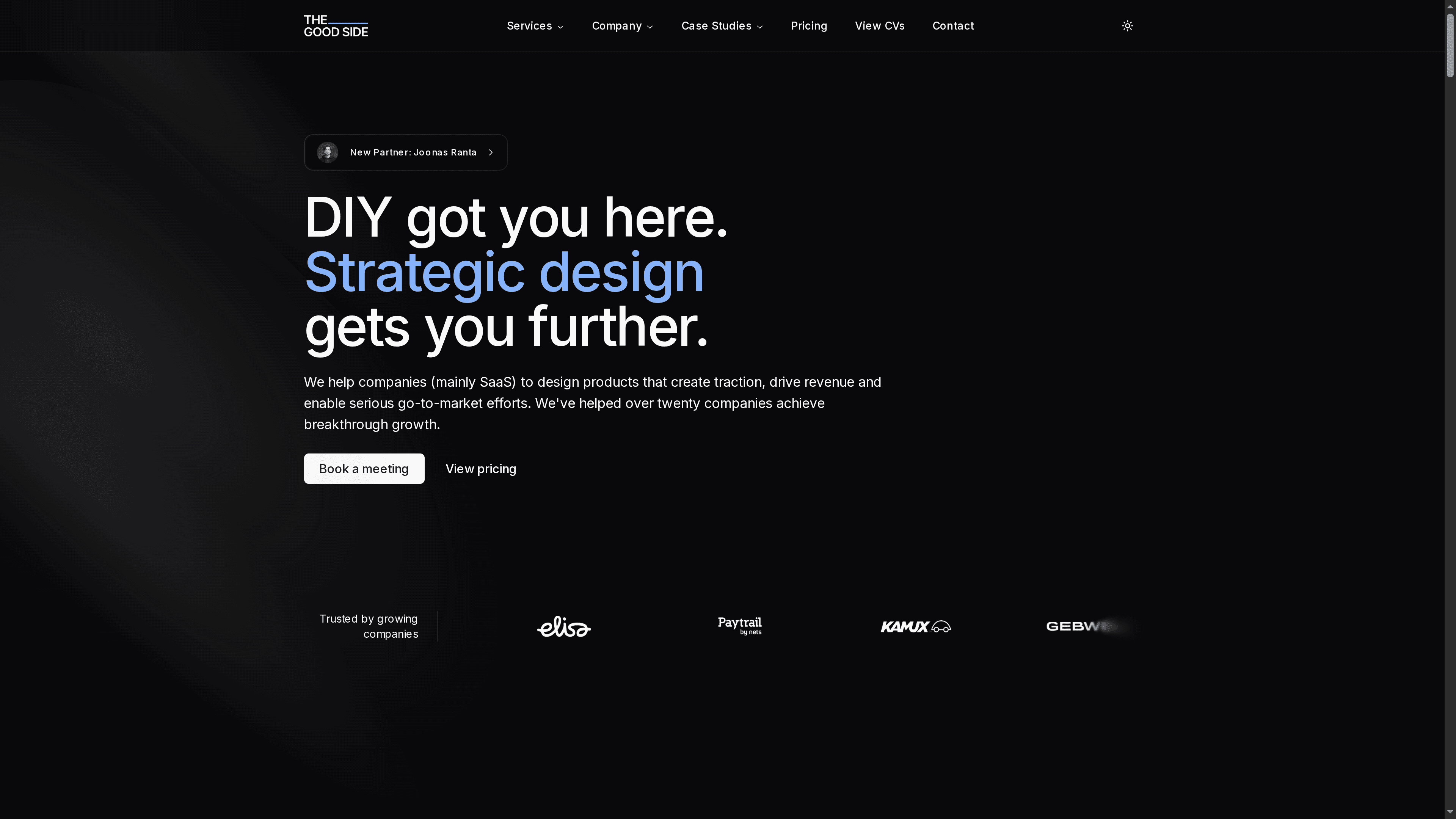
Ready to solve your SaaS website challenges with focused design expertise? Start with a free design audit and discover how our flexible engagements—from consulting to embedded design teams—offer the exact talent you need at the right scale. Visit The Good Side now to connect with SaaS-specialized designers who will transform your product experience and drive sustainable growth.
Frequently Asked Questions
What are user journeys, and why are they important for SaaS website design?
Understanding user journeys involves mapping out the steps users take to reach their goals on your platform. This helps you anticipate their needs and create a more intuitive experience. Start by conducting user research to identify key personas and their unique paths within your site.
How can I optimize my website’s above-the-fold content?
To optimize above-the-fold content, clearly articulate your value proposition and include a strong call-to-action. Ensure that your headline and subheadline are concise and convey the main benefit within seconds. Aim for a clutter-free design that captures attention immediately.
What types of social proof should I include on my SaaS website?
Include customer testimonials, case studies, and recognizable client logos to build trust with potential customers. Highlight tangible results or metrics that demonstrate your product’s impact. Create a dedicated section for this proof to increase visibility and showcase authenticity.
How can I streamline the navigation of my SaaS website?
To streamline navigation, simplify your menu structure and ensure it has a logical hierarchy. Use clear labels for menu items and include a search function to enhance user experience. Focus on reducing the total number of clicks needed to access important information.
What are effective strategies for creating a mobile-responsive website?
Implement a responsive design framework that adapts to various screen sizes. Additionally, optimize image sizes for faster loading times and minimize unnecessary HTTP requests. Ensure that critical content loads quickly, prioritizing the user experience on mobile devices.
How should I present pricing information on my SaaS website?
Present pricing in a clear and transparent manner, highlighting the value users will receive. Use pricing tiers to outline available options and show potential savings. Consider integrating testimonials near the pricing section to reinforce the perceived value of your offerings.